Function Inputs
Putting values into a function's input slots to change what it does each time it runs.
One of the more powerful things about machines, about functions, is that many of them let you put some information into them, which, when you run them, changes what they do.
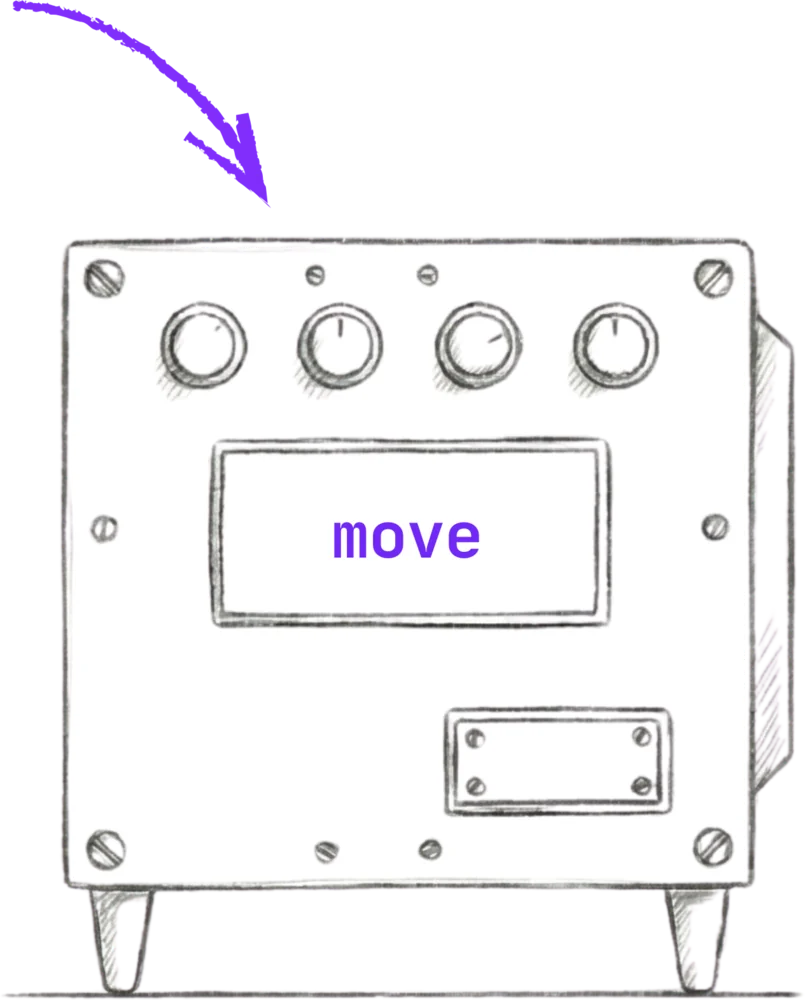
So far, we've seen machines that look a little bit like boxes, like the move one.
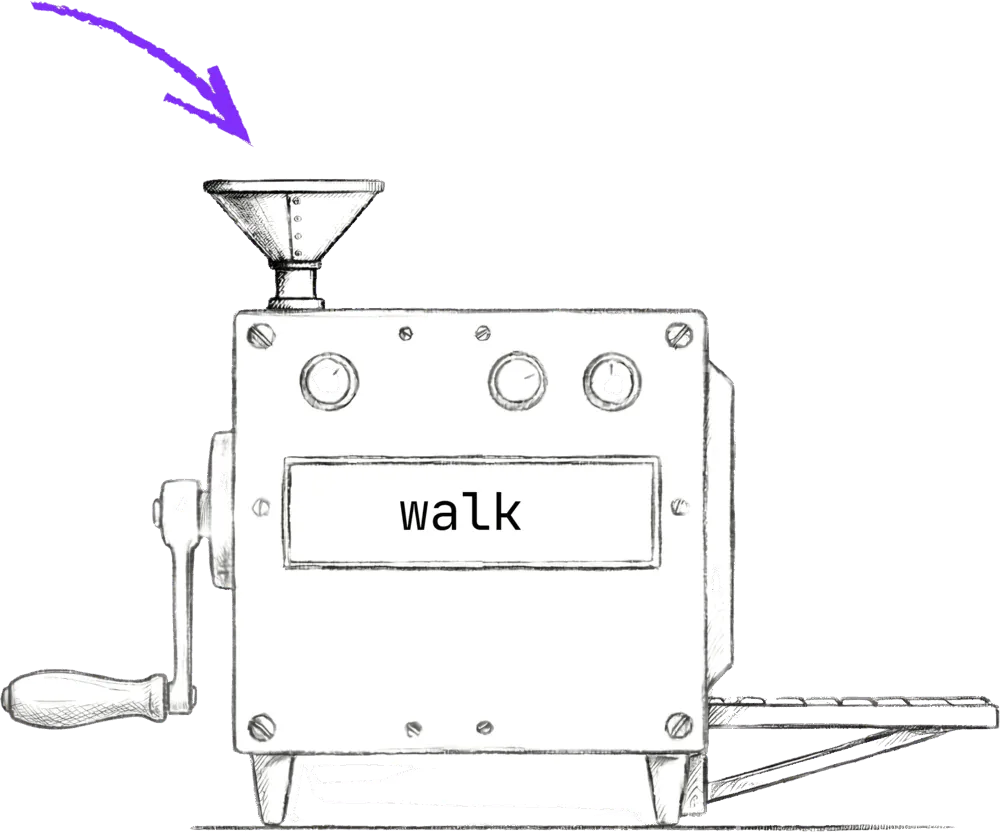
But some machines, they have slots, like this walk machine. The walk machine is just like the move machine. It moves the character forward, except Jiki can use the slot to specify how many steps your character should walk forward. So rather than having to use the move function three times in a row, move, move, move, instead, you can now just use the walk function and tell Jiki to put the number three into the machine.
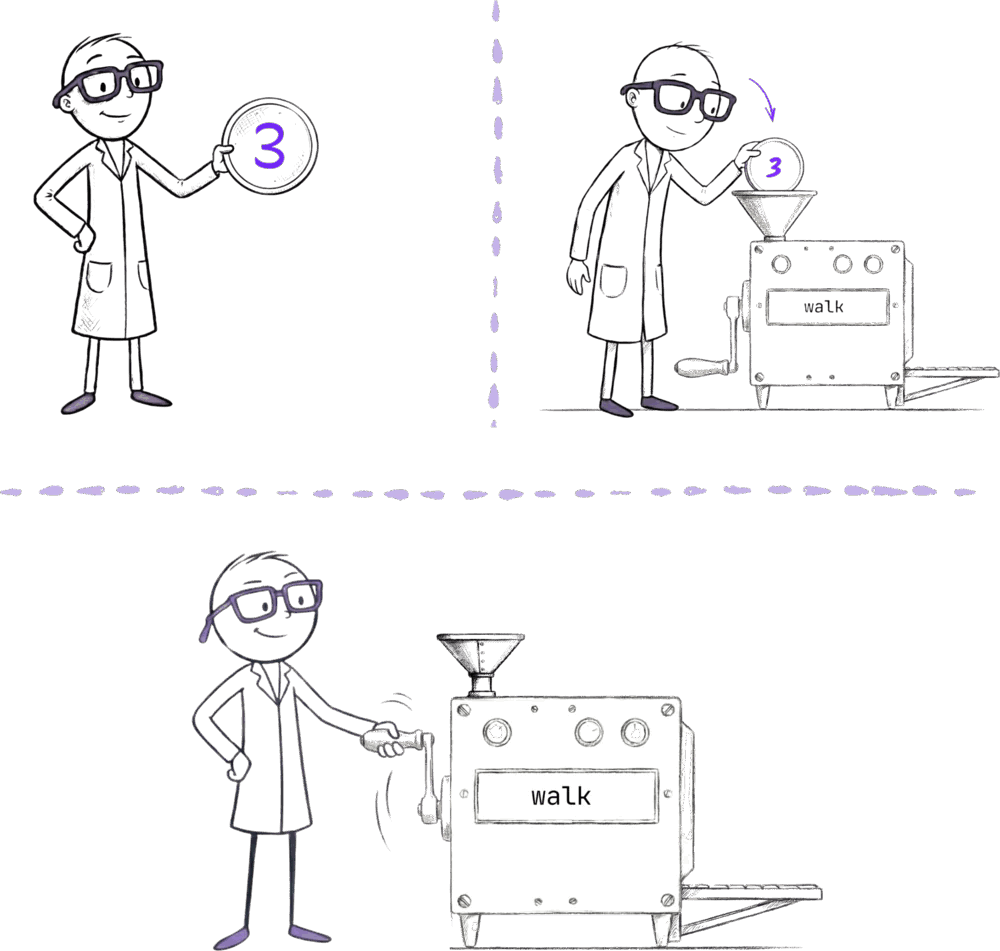
To do this in code, we still write the name of the function, in this case walk, and we still put our opening bracket. But then before our closing bracket, we say what we want the input to be. So in this case, we want the input to be three, to say walk three steps forward:
walk(3)When Jiki sees that, he'll get the number three, and you can think of that number just like a little coin, and he'll put that into the input slot of the machine before he pulls the crank to turn it on.
For functions that draw rectangles and circles, you need to tell Jiki to insert multiple different numbers, specifying things like how far from the left it should be, how far from the top it should be, the width of a rectangle, the height of a rectangle.
In Jiki's world, those are just different slots, one for each of those numbers.
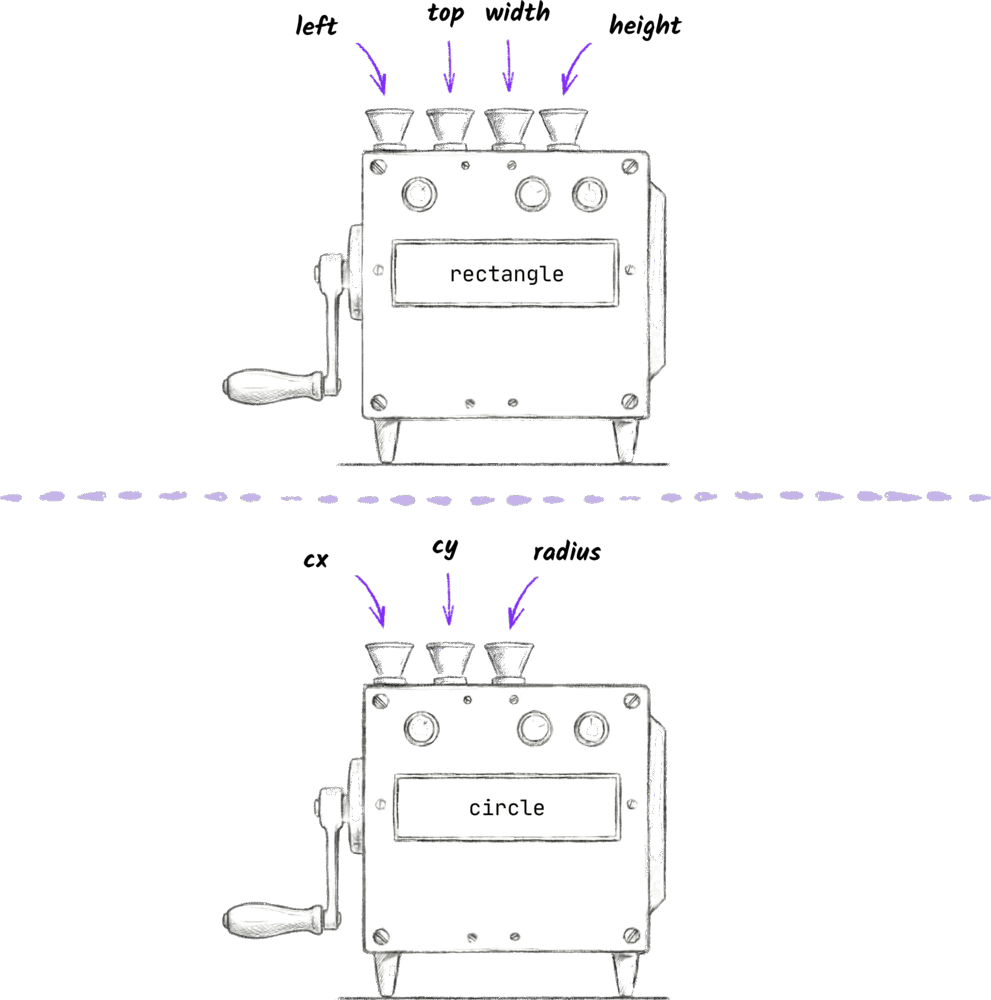
So in our code, we just write each number and then put a comma in between. The name of the function, a bracket, a number for each of the inputs, all separated by commas, and then we close our brackets:
rectangle(10, 20, 30, 40)If you try and use a function with the wrong number of inputs, you're going to get an error. For example, if you try and put one input into a machine that doesn't have a slot, Jiki will tell you that you can't. And if you try and use a machine that has an input slot, but you don't tell Jiki what to put in it, he'll also stop and complain. Try it if you're feeling a bit rebellious and see what happens. You're gonna make a lot of mistakes like this as things get more complicated. Try not to get stressed or upset about it. We all learn from making mistakes. It's literally the fastest way for our brains to really internalize things. And everyone makes these mistakes. We all started at zero, so don't get stressed.
One other thing worth mentioning: sometimes in exercises, you're going to see lines that start with two slashes, //. These are called comments. They're private notes just for you that Jiki will completely ignore. So if Jiki sees a line that starts with these two slashes, he'll just step over it, and he'll move on to the line that comes next. These comments give you a way to write your own notes to yourself. They're really useful to remind you of how things work. Often, comments are written for you as well, so that when you start an exercise, it might suggest where you need to write code or how to solve something. But feel free to add your own comments as well.
At the bottom of an exercise's instructions, you'll see information about the functions that you can use, exactly what the inputs are that you need to put in.
Ready to Start Your Coding Journey?
Join thousands of learners on Jiki. Practice coding exercises, get feedback from mentors, and level up your skills — it's free!
Sign Up For Free