Writing Your Own Functions
Using the function keyword to build your own machines that Jiki can put on his shelves and reuse.
So far, you've been using functions that have been built for you, functions like circle, rectangle, moveRight, shoot. All of those are functions that were made and put on Jiki's shelves.
But now it's time for you to start making your own functions.
To show you how to do this, we're going to look at building a new function for the maze called walk5.
This function is always going to move the character five steps forward. That's admittedly not the most useful function in the world, but it's a nice easy one for us to get started with.
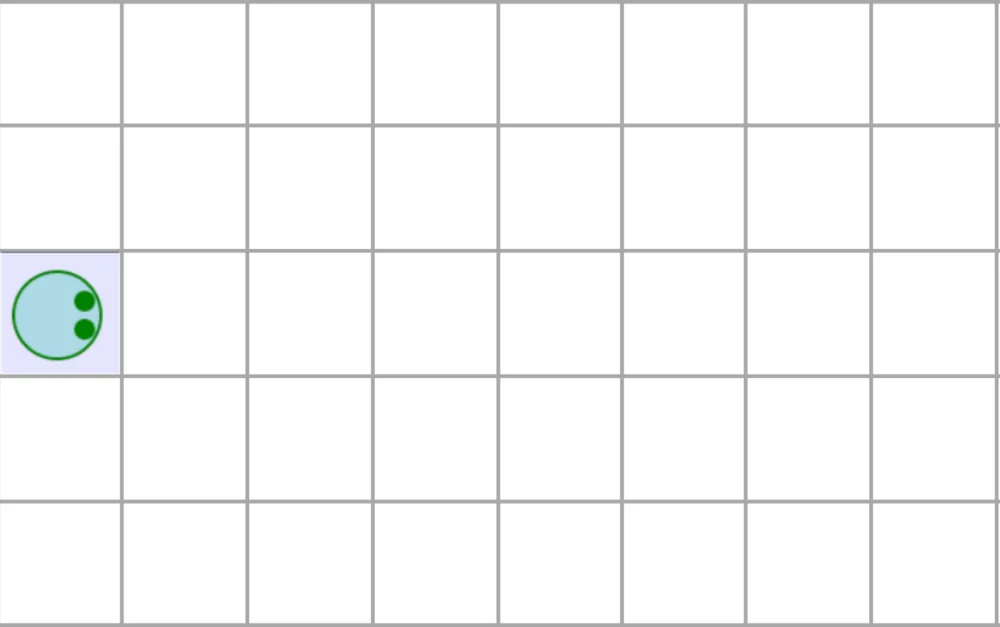
So if I was to ask you to write some code to move the character forward five steps, you could either write move five times, or you could use a repeat loop. In this example, just to keep things simple, we're gonna use the move five times in a row approach.
move()
move()
move()
move()
move()
So that's what we want to be inside our function.
Now, add a line below that that tells Jiki to use this function. You've seen this many times.
And then our job is going to be to wrap all of these first five lines into a function so that when Jiki uses walk5, it's those first five lines of code that run.
To turn these five lines into a function, these five moves into a function, we need to use a new keyword, which is the function keyword.
When we use the function keyword, we have to do two things. One, specify the name of the function. In this case, it's walk5. And two, use curly brackets to wrap some code that says, "This is what you should do inside the function." So we can add that to our code, and we're now telling Jiki to create a function called walk5, and then when walk5 is used, he should run these five lines of code.
function walk5() {
  move()
  move()
  move()
  move()
  move()
}
When Jiki sees that function keyword, he's gonna go and build a new function, put those instructions on a whiteboard inside of it, and then put a label on the machine for walk5. And he'll then put that function on the shelves alongside all the rest of the ones that are there.
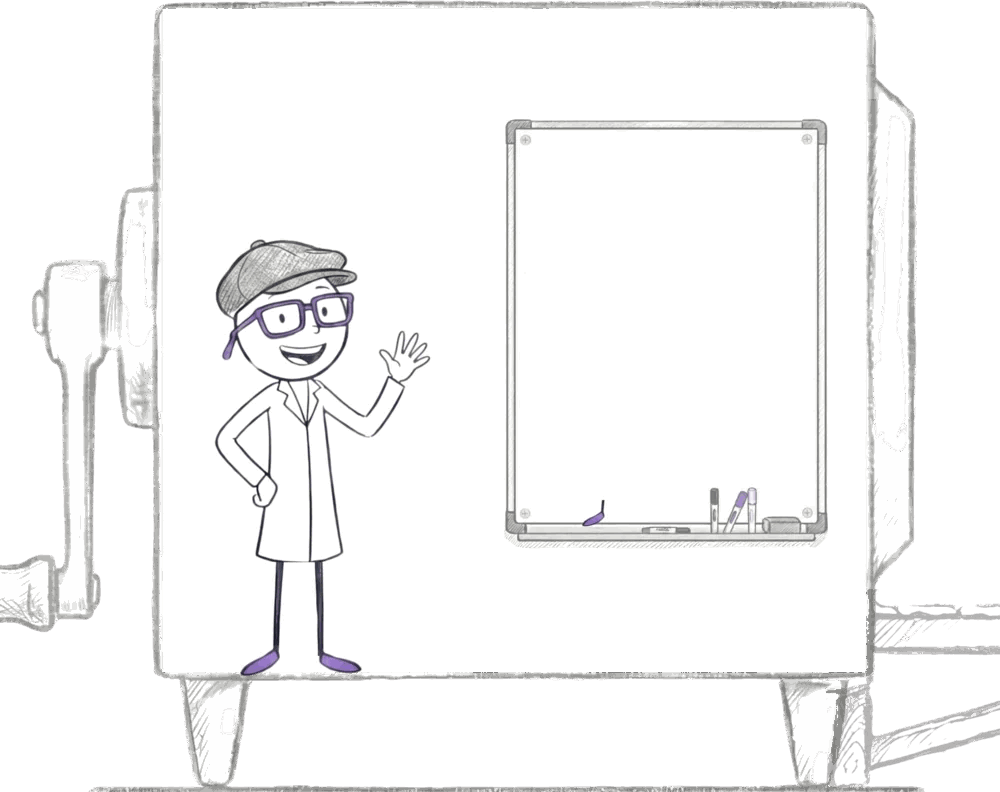
Now, there's nothing special about this function you've made compared to the built-in ones. They all just sit next to each other on his shelves.
And when you use the function, when you write walk5(), Jiki will just go and get the machine off the shelves and use it exactly the same as he's been doing with any other function. You can imagine that each machine has a mini Jiki living inside it. Mini Jiki always has this cool hat on. And that mini Jiki works in exactly the same way as normal Jiki outside, following instructions in the same way.
One key thing to understand here is that when Jiki creates the function, he doesn't actually run the code. He's just writing down that code to use later.
The character in the maze doesn't move at this point when you write the function keyword.
Jiki has built the machine and put it on the shelves. It's not until you tell him to use the machine by writing walk5() that that actually happens.
Ready to Start Your Coding Journey?
Join thousands of learners on Jiki. Practice coding exercises, get feedback from mentors, and level up your skills — it's free!
Sign Up For Free