
Adding Returns to Functions
Using the return keyword to give your own functions an output chute that hands a value back to the caller.
You now know how to create functions with and without inputs. There's one final thing to learn, and then you're gonna be a function-making expert, and that thing is how to give your functions a return chute.
You've already used lots of functions that return things. isAlienAbove gives you back true or false. Math.randomInt(1, 10) gives you back a random number.
When Jiki uses those functions, something is popping out of the output chute, which he can then go and use.
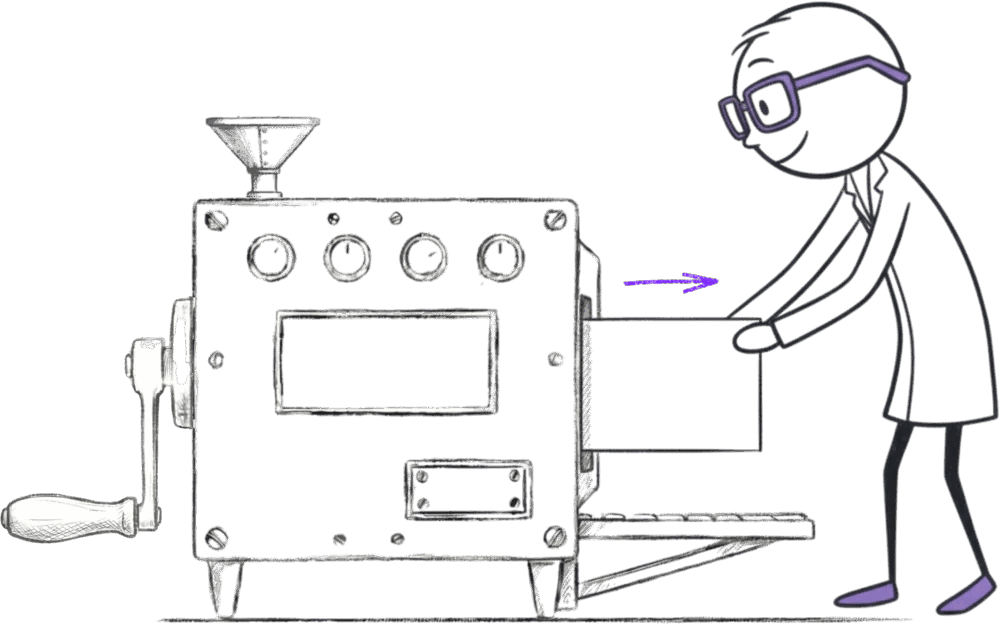
So to do this, we need another new keyword, and that is the return keyword.
The return keyword tells Mini Jiki to push something out of the return chute.
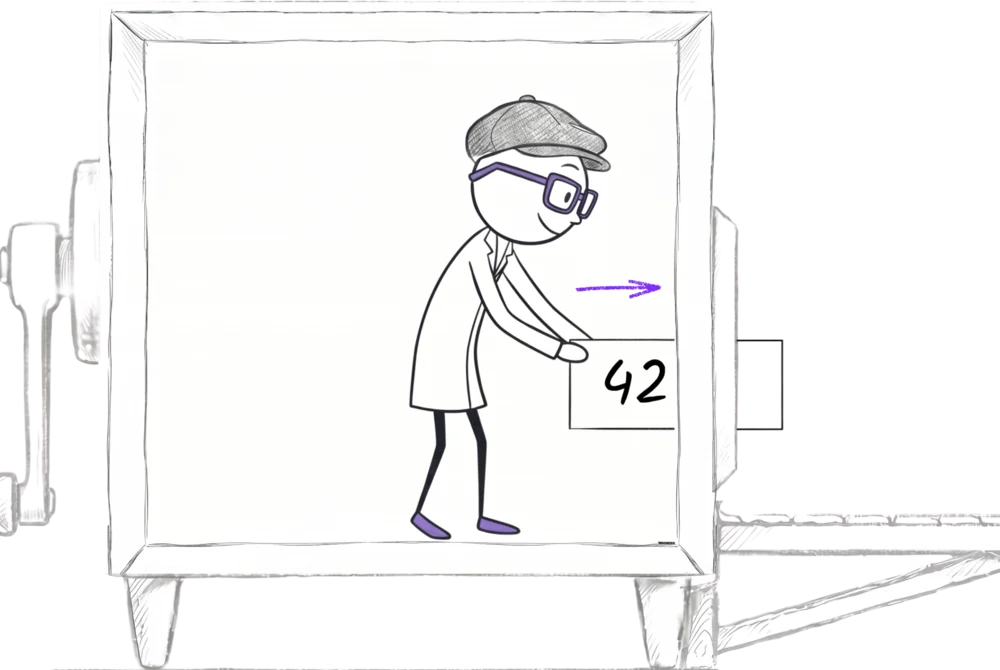
So let's make a function, and let's call it meaningOfLife, and this function's job is always just to return the number 42. It doesn't have any inputs. We write function meaningOfLife() and inside the body, return 42.
function meaningOfLife() {
  return 42
}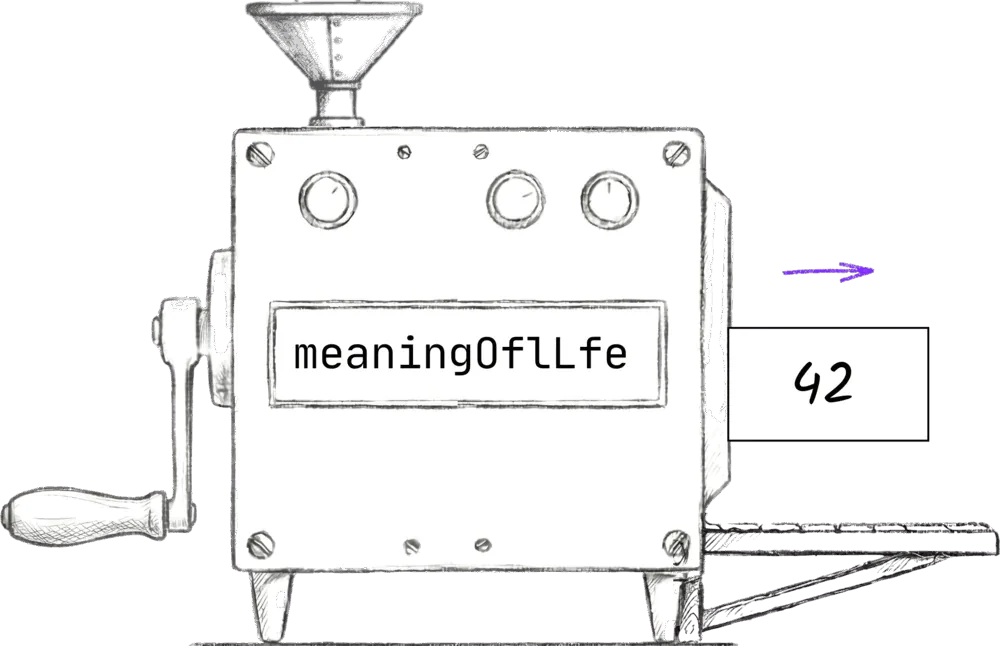
Now anywhere we use meaningOfLife() in our code, we get the number 42 back to use just like any other value. We can put it in a box with let, we can pass it as an input to another function, we can compare it in an if statement.
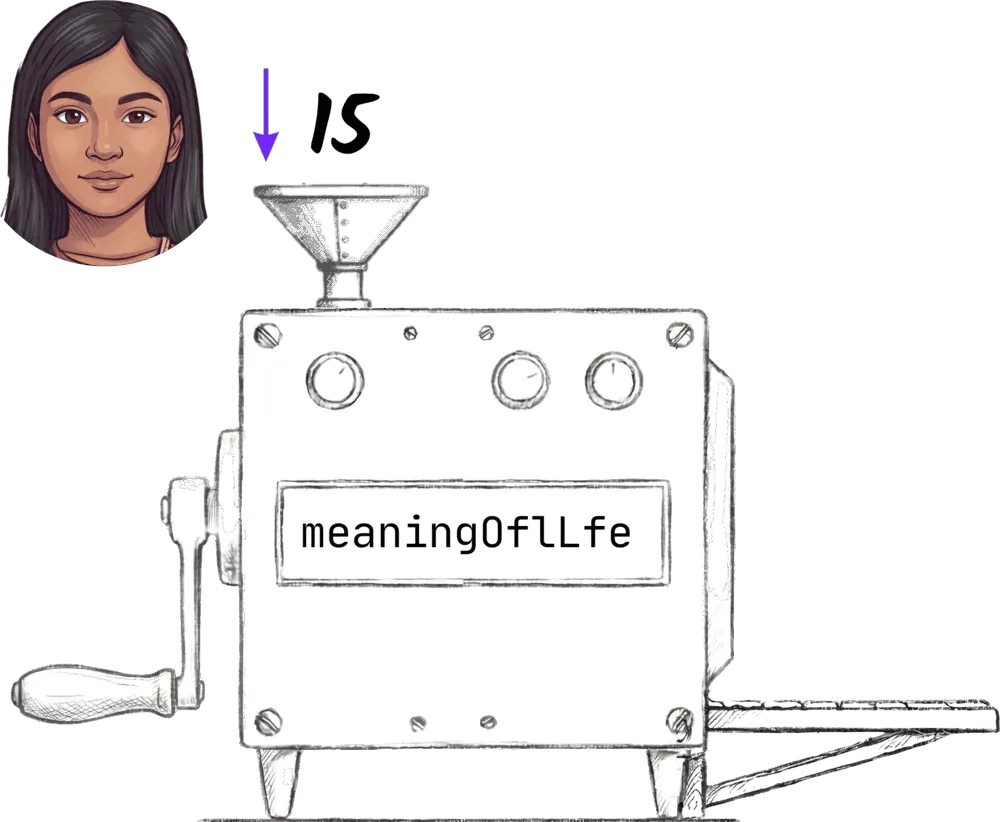
Functions with returns can also take inputs. You might write an ageBracket(age) function that returns "Sorry, too young" when age is under 18, and "Welcome" otherwise. Whoever calls it gets back whichever string the function returned.
function ageBracket(age) {
  if (age >= 18) {
    return "Welcome"
  }
  return "Sorry, too young"
}
This is how programming works at its core. We create lots of these little building blocks and then piece them together into programs.
Ready to Start Your Coding Journey?
Join thousands of learners on Jiki. Practice coding exercises, get feedback from mentors, and level up your skills — it's free!
Sign Up For Free