
Creating and Using Variables
Boxes on Jiki's shelves that store a value with a label so you can get it back out later in your code.
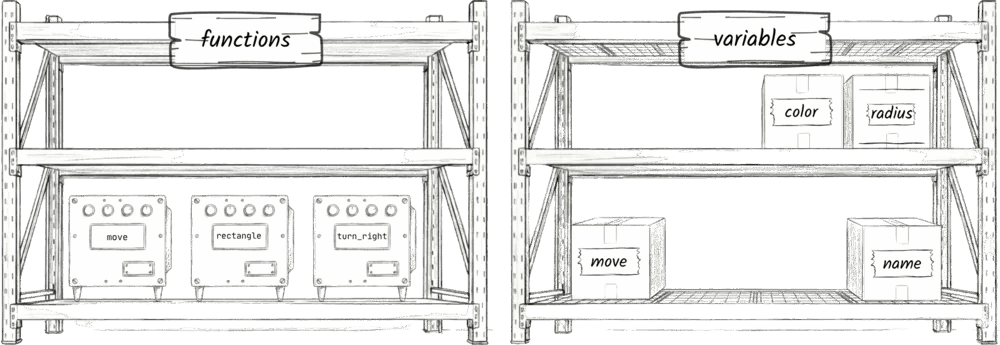
Variables are what let us store information. When we're coding, we often need to store some number or some string to use later, and variables are how we do it. So let's zoom out a bit in Jiki's warehouse, and you'll see that he has another set of shelves. We're already familiar with the first set of shelves that have got the functions on, these little machines like move and rectangle. But on this second set of shelves, rather than machines, you can see lots of boxes, and these boxes are what we call variables. You can tell Jiki to store anything in these boxes, and then later on ask him to get it out again. Each box has a name, exactly the same as functions have a name, and each box contains just one thing. For now, either a number or a string. But we'll look at storing more complex things in them further in the course.
So how do we tell Jiki to make a box and put something in it? We use the let keyword. The let keyword tells Jiki that he needs to make a new box. You can imagine him unpacking a cardboard box from its wrapper, putting it all together, and then he looks at what comes after the word let, and that's the label that he puts on the box, in this case, name. So he gets out his pen, and he writes name on the label. Then he looks at what comes after the equal sign. In this case, it's my name, "Jeremy", and because "Jeremy" is a string, he gets a piece of paper, and he writes "Jeremy" on it. It's just a string, exactly the same as the colors you've been working with, and then he puts that piece of paper into the box.
let name = "Jeremy"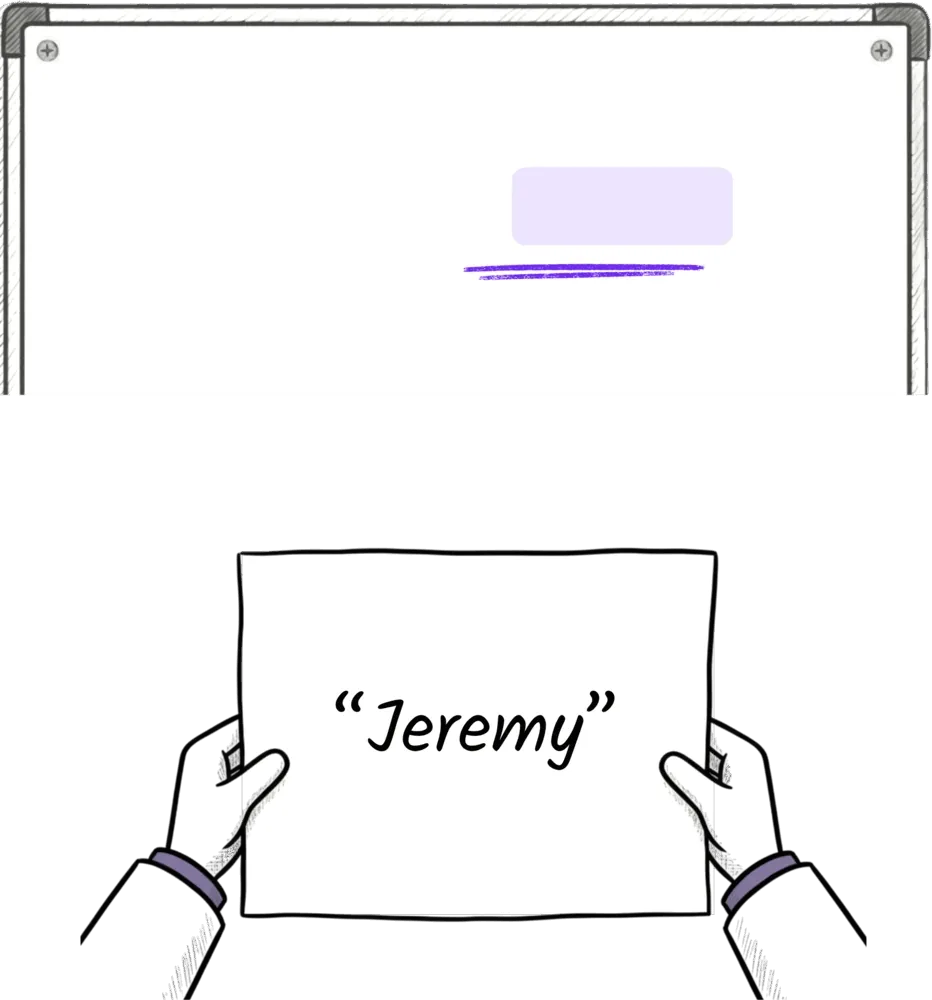
So we've told him to make a box, put a label on it, and put something in it, and now he goes and puts the box on the shelf. And then at any other time in your program, Jiki can go and get that box off the shelf, look at what's inside it. Start to build this mental model. I've been coding forever, and I still imagine when I write code that I'm putting something into a box, and I'm going to get it out later. When you see that let keyword, really think, "Okay, that means I'm making a new box."
A word on the names of variables, the labels on these boxes. We have a few rules about those. Firstly, variable names can't have spaces in them. If you want to use multiple words for a label of a box, we shove the words up against each other, and we change the first letter of each word to be a capital letter. We call this camel case. Imagine the humps on a camel pushing up the first letter of each new word to become a capital letter. So if you want a label that is my name, rather than write two words with spaces, we write it as one word with the N capitalized: myName.
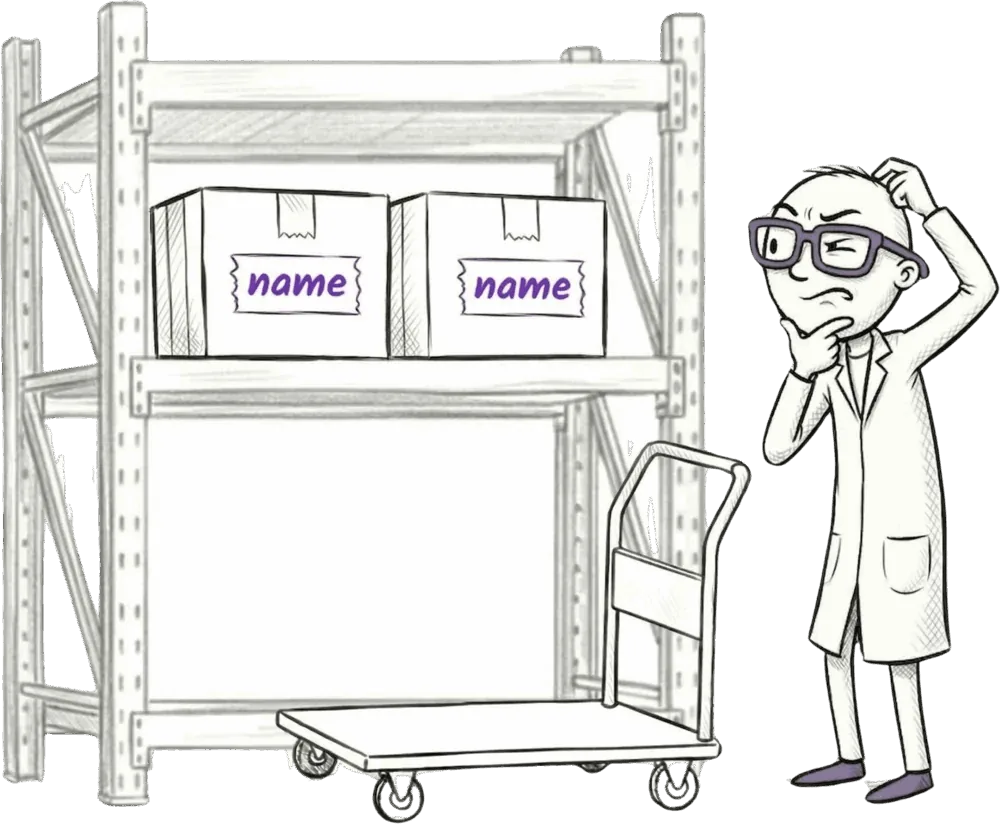
Also, every variable name must be unique. You can't have two boxes with the same label, and also variables can't have the same name as functions. If you forget, Jiki will get confused and will give you an error message.
So let's look at where we might want to use a variable. Let's say we're drawing a sun in the sky. We know we can use the circle function and give it four inputs. Its left, top, radius, and color. But as we draw lots of things and have all of these numbers scattered throughout our code, it can be really hard to keep track of and read. So instead, we can create variables for each of the left, top, radius, and color, and then refer to those variables later. So our end goal here is to be able to use the circle function and specify nice, readable names of boxes, and when Jiki sees those names, he'll know to get the boxes from the shelves and use whatever is in them.
So let's create some variables for these. We start with the left position of the sun. We use the let keyword to tell Jiki to create a new box called leftPosition. Notice the camel case there with the capital P. And we tell Jiki what number goes in the box. He puts that on the shelves, then moves on to do the same for topPosition, radius, and color.
let leftPosition = 10
let topPosition = 20
let radius = 5
let color = "yellow"

circle(leftPosition, topPosition, radius, color)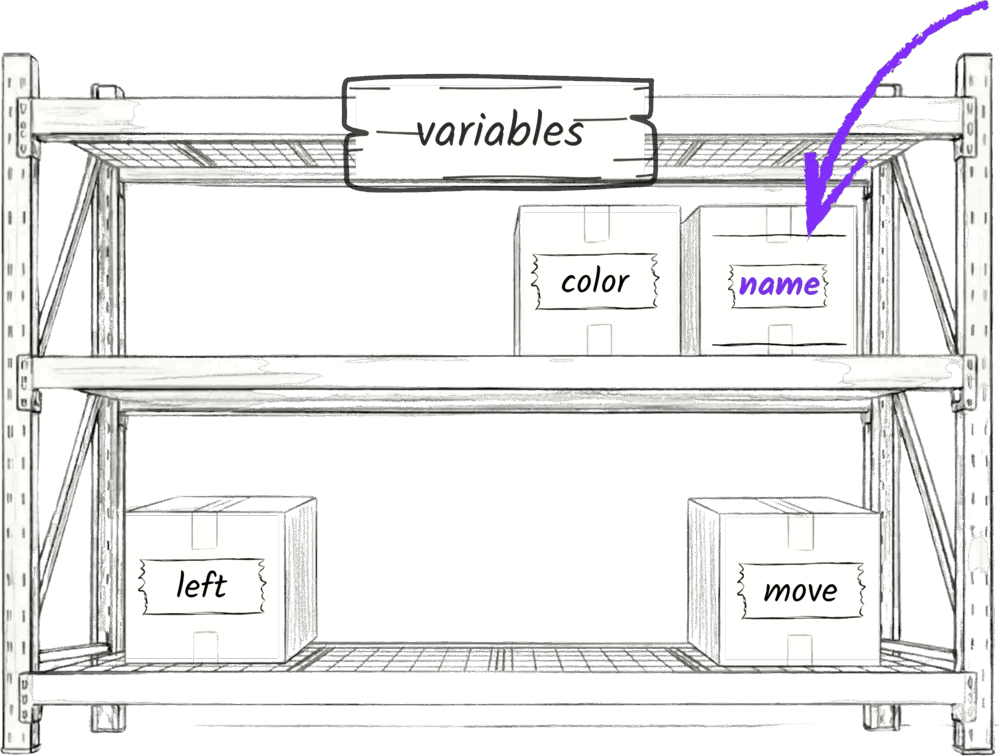
At any time in our code, we can refer back to these variables, and Jiki will get the values out and put them in a machine. The other great thing about variables is that any time we want to draw something at the same position as the sun, we can reuse those same leftPosition and topPosition variables. Take a different example. Imagine you're building a wall, and it's got 30 bricks, and you want all the bricks to be the same width and the same height. It's much better just to create variables for width and height at the start of your code and then refer back to those throughout the rest of your code. Because if you want to then change the width or the height, you can just change it in one place, and everything else will update.
Ready to Start Your Coding Journey?
Join thousands of learners on Jiki. Practice coding exercises, get feedback from mentors, and level up your skills — it's free!
Sign Up For Free