
Repeat Loop
Using the repeat keyword to tell Jiki to run the code inside the curly brackets a specific number of times.
So far, everything has been written in a linear way, where Jiki follows each instruction in order from top to bottom.
Now we're going to look at how Jiki can break out of this strict top to bottom flow, and specifically how we can tell Jiki to run the same section of code lots of times in a row.
So for example, imagine you're in the maze and you want to move 10 steps forward. There's a walk function to help with this, but what if that didn't exist? What if you only had the move function?
Rather than writing move 10 times in a row, which gets very repetitive, what we need to be able to do is say, "Hey, Jiki, do the next thing I say 10 times.
Move."
To do this in code, we need to be able to use our first keyword, and keywords are instructions that Jiki understands. They look a little bit like machines, but they're not. When Jiki sees a keyword, he doesn't look for a machine on the shelf, he just knows to do something instead. It's built into his brain. And there are about 20 different keywords that we're going to learn during the course, and the first of them is the repeat keyword.
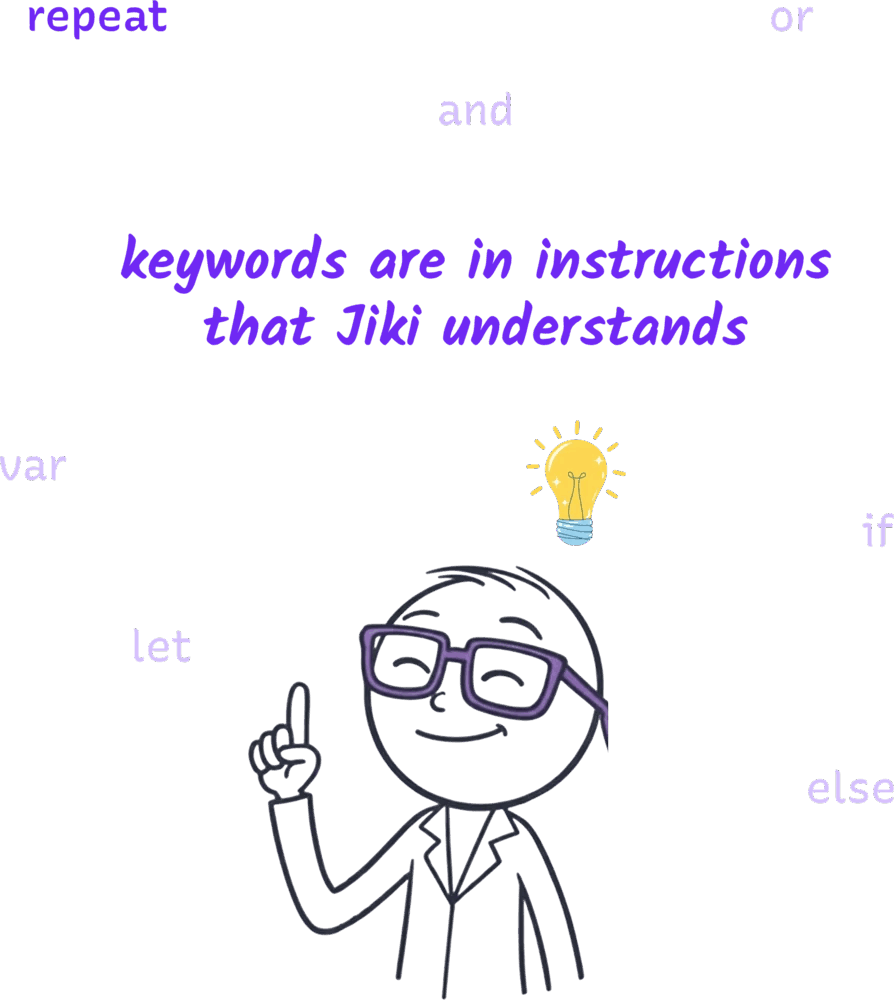
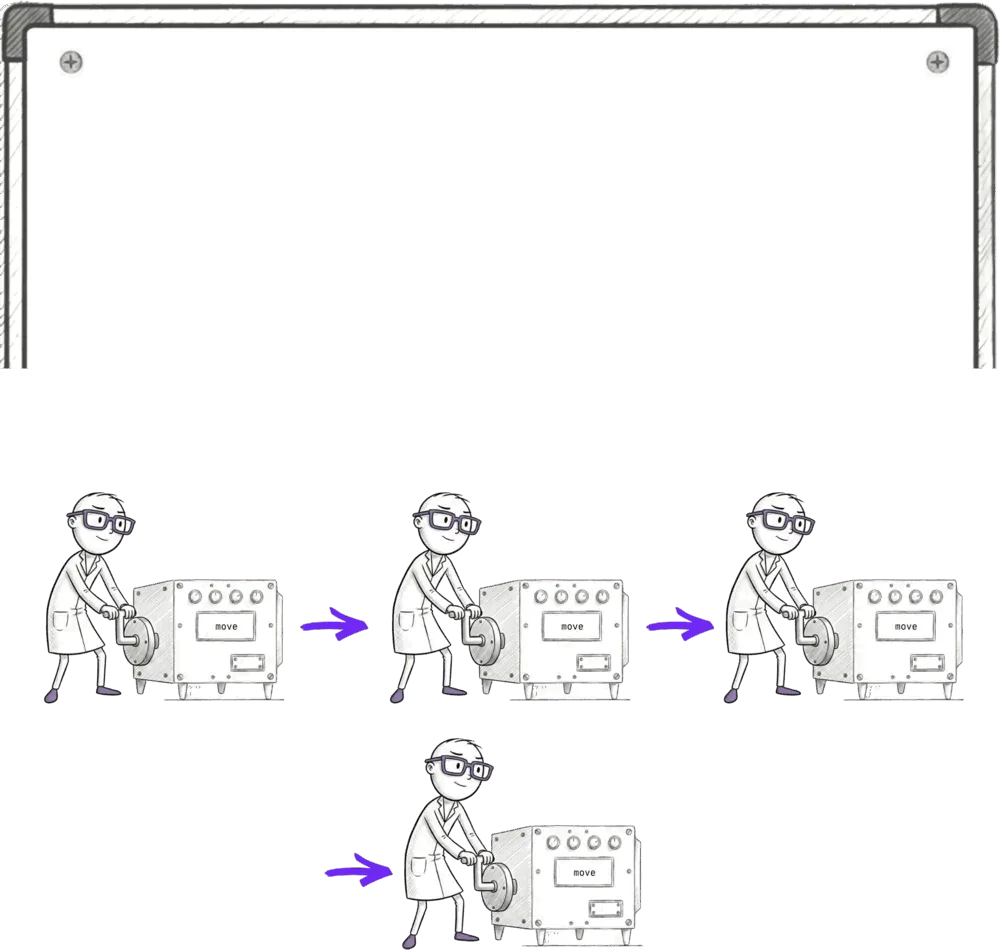
The repeat keyword does exactly what I said above. It tells Jiki, "Repeat this many times whatever I say next." Take a look at this code. So firstly, we're going to use the repeat keyword to tell Jiki that he's going to do something multiple times. Then we put in how many times you want Jiki to repeat the thing in normal brackets, and then we have these curly brackets, these braces, and inside those curly braces are the things that we want Jiki to repeat. Now, this pattern is incredibly common in programming. We specify a keyword, generally with some information such as the amount of times to do something in this case, and then a code block in curly braces. So going back to the maze world, rather than writing move, move, move, move, we can write repeat four times move.
repeat(4) {
  move()
}
Jiki will see that code and he will use the move machine four times in a row.
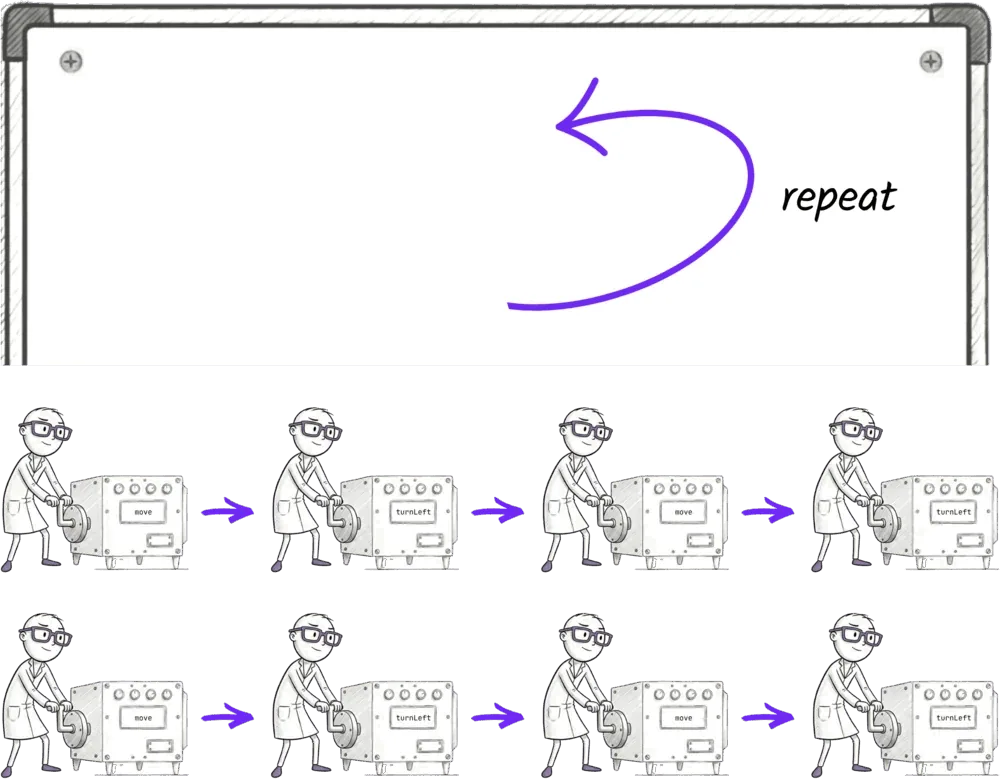
And we're not limited to just having one thing in those curly brackets either. Jiki can do multiple things repeatedly. We can tell Jiki to move, then turnLeft, and to repeat the whole of that four times. If Jiki sees this, he'll use the move machine, then the turnLeft machine, then the move machine, then the turnLeft machine, then the move machine, etc, until he's done both of them four times.
repeat(4) {
  move()
  turnLeft()
}
We call these repeat instructions loops, and there are lots of different loops we can use that all work a little differently.
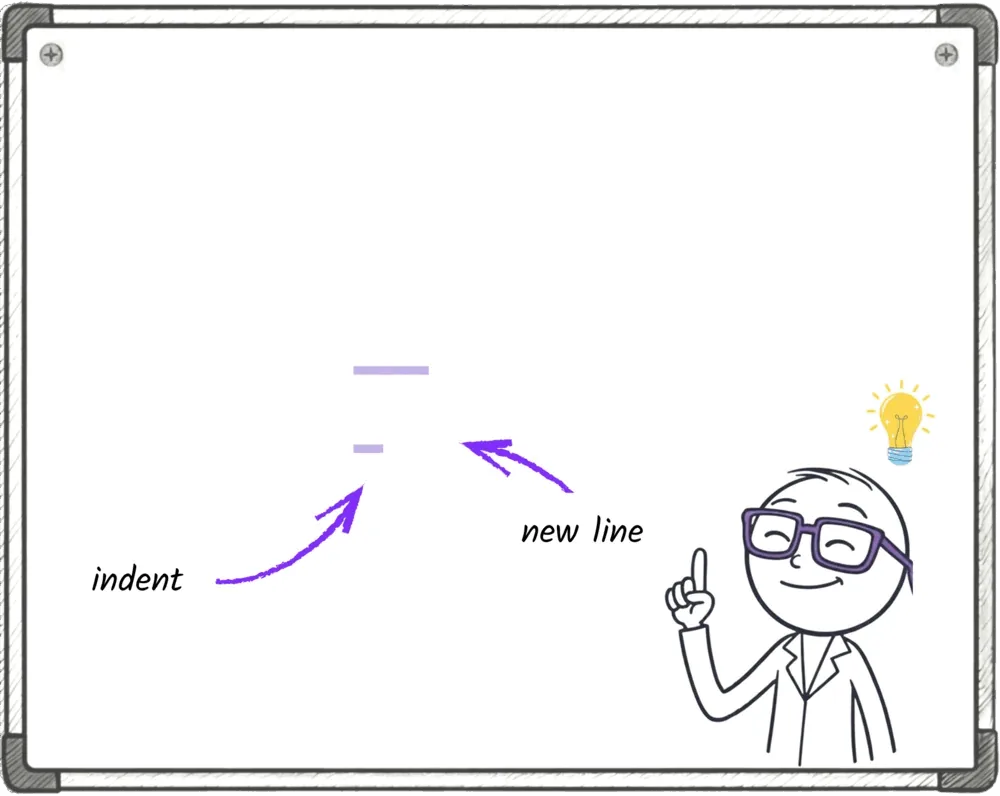
There's one more thing to know, and that is that keeping your code neat and tidy becomes essential when working with loops. When you have good visual structure in your code, it makes things very easy to see what's happening. But if you don't, if you forget to indent things nicely or you mix your indenting up, things get confusing really fast. So in this course, we always have a rule. You always put the start curly brace on the same line as the repeat statement. You always put the end curly brace on its own line after the statement, and you always indent the code in between them by two spaces. That way everything will stay really neat, and if you forget or try and follow a different pattern, you're gonna get an error.
Ready to Start Your Coding Journey?
Join thousands of learners on Jiki. Practice coding exercises, get feedback from mentors, and level up your skills — it's free!
Sign Up For Free