
Loops
Repeat Loop
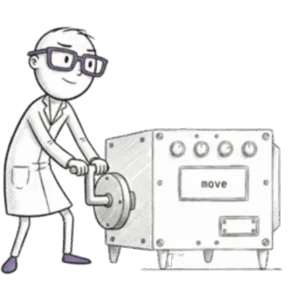
Using the `repeat` keyword to tell Jiki to run the code inside the curly brackets a specific number of times.
Loops in Loops
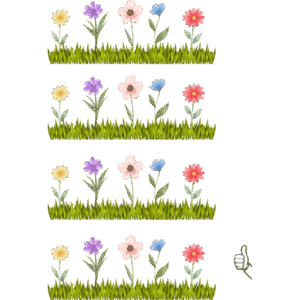
Putting one loop inside another so the inner loop runs completely for each step of the outer loop, which is perfect for grids.

Repeat Without Count
Leaving the brackets of a repeat loop empty so Jiki keeps going until something else tells him to stop.

For Loops
A loop with three parts (an initializer, a condition, and an increment) giving you full control over iteration.

Break
Using the `break` keyword inside a loop body to exit the loop immediately and move on to code that comes after it.

Continue
Using the `continue` keyword inside a loop to skip the rest of this iteration and jump straight to the next one.
Ready to Start Your Coding Journey?
Join thousands of learners on Jiki.
Practice coding exercises, get feedback from mentors, and level up your skills — it's free!