
Loops in Loops
Putting one loop inside another so the inner loop runs completely for each step of the outer loop, which is perfect for grids.
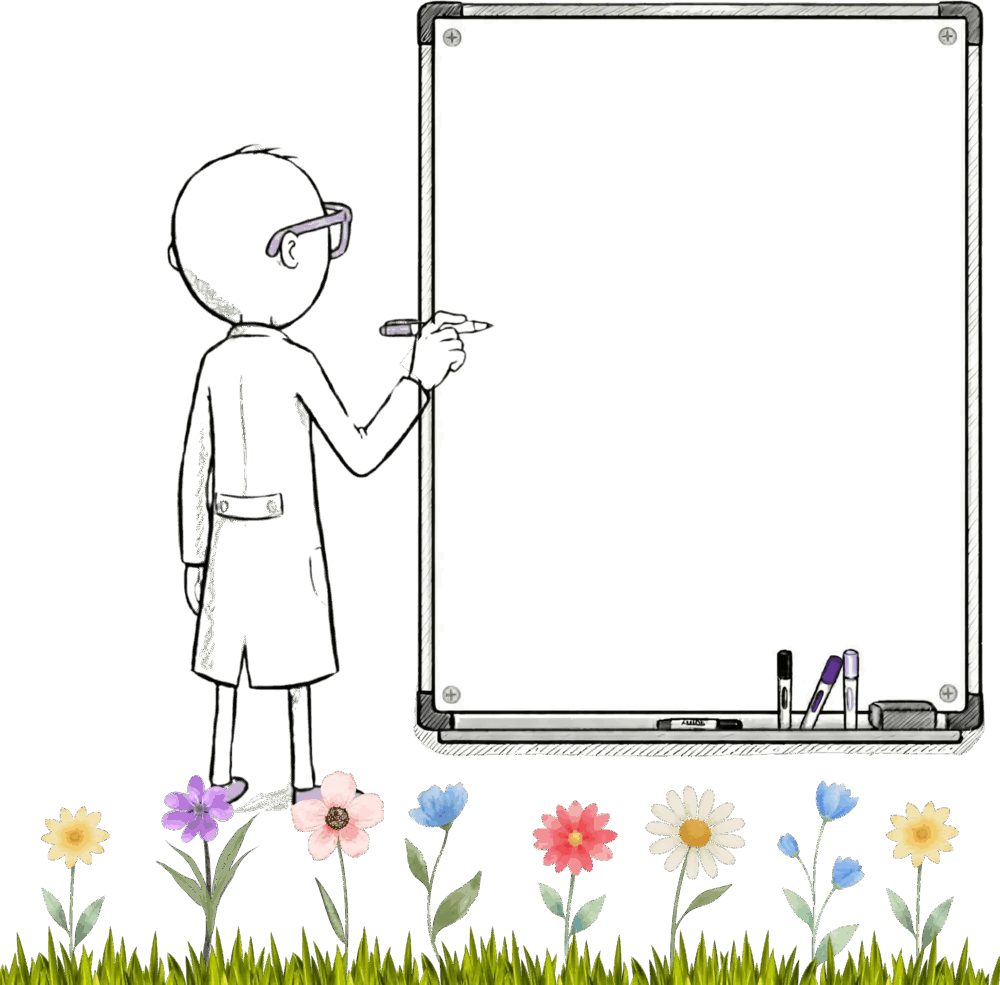
Let's say we want a row of flowers. We can write something like this. We set a position, we plant a flower, we increase the position by 10, we repeat, we end up with a nice neat row of flowers.
let x = 10
repeat(5) {
  plant(x, 50, 10)
  x = x + 10
}
But what if we want a grid of flowers with rows and columns? Maybe four rows with five flowers in each row.
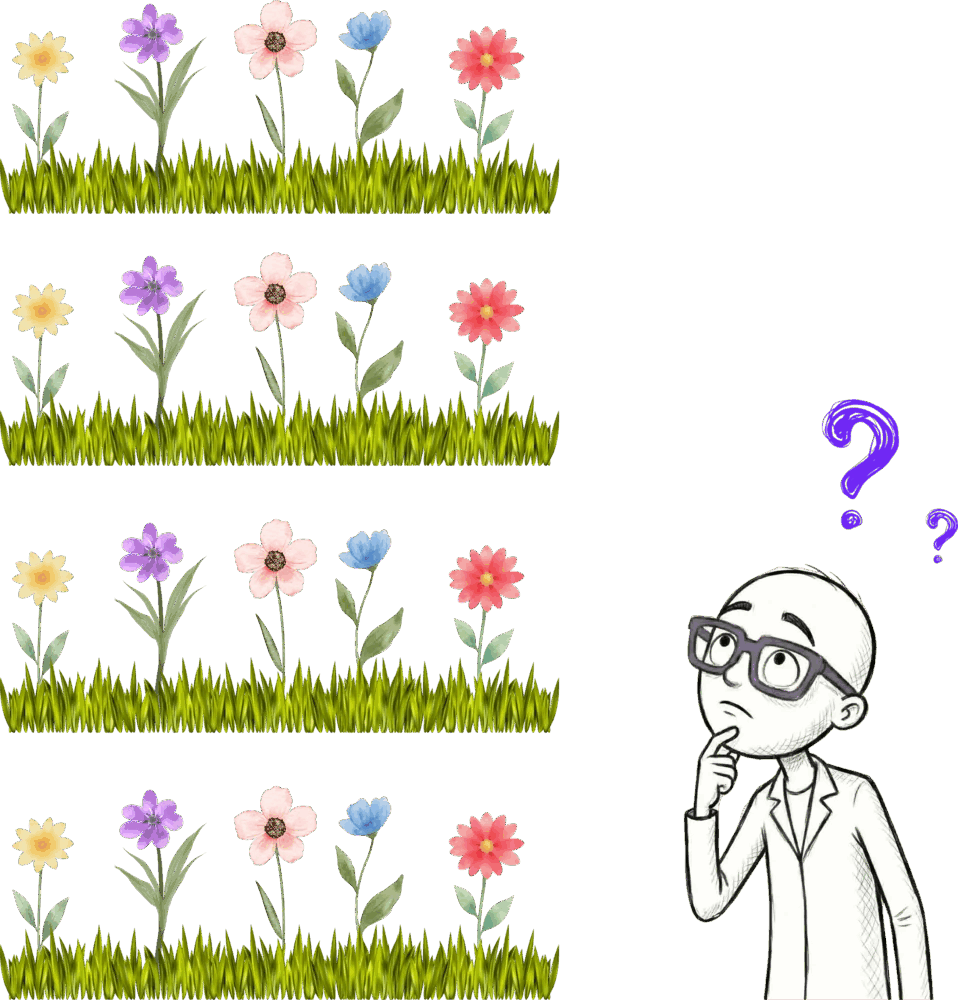
We've got a loop that draws one row of flowers. How can you use that to draw four rows? Or what could we do to draw four rows?
One option could just be to copy and paste that loop four times and change the top position for each. And that would work. That'd be fine. But it's repetitive, and there's a better way. We know when code is repetitive, we can use a loop to simplify things.
So here we can use one loop inside another loop. One loop for the rows and one for the flowers on that row. So let's start by adding a repeat loop around our existing code so you can get a feel for this. And we're just gonna repeat once. So we're telling Jiki to do everything inside these outer curly brackets once. So this has exactly the same effect as not having this outer loop at all. We're telling Jiki to repeat something once, which is just the same as telling Jiki to do it without the repeat. But this is how this code works. It's legitimate, valid code. We've got one loop inside another loop.
So now what happens if we change that outer loop to repeat twice? So now Jiki will run the whole plant five times thing twice. He'll plant 10 flowers. But all of those flowers will be on the same row.
So in the same way we need to move the position from left to right a bit each time, after we've drawn each full row, we also need to move the vertical position as well. So how do we do that? Well, we can add an outer variable for the top position, use that in our plant function, and then increase it by 10 after every row.
So think through what the value is at each time. Top position starts at 10. For the first five times we plant, it stays like that. The left position increases. And then we add another 10 to it, to that top position, and we plant five more flowers a little bit lower. We're resetting that left position back to 10 again, and then we're increasing it again each time.
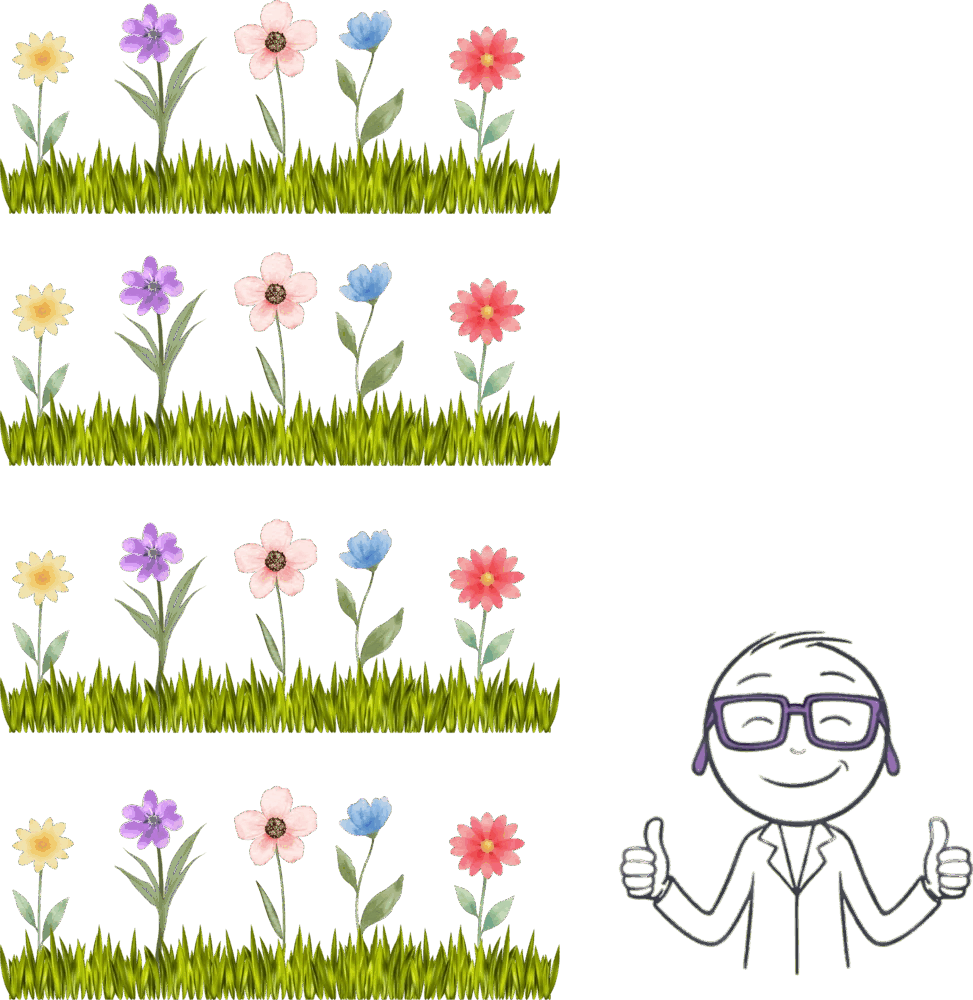
And now we can say repeat this four times, and we're gonna get four rows of five plants.
let y = 10
repeat(4) {
  let x = 10
  repeat(5) {
    plant(x, y, 10)
    x = x + 10
  }
  y = y + 10
}
The key thing to understand is that Jiki finishes all the work in the inner loop before coming back to the outer loop. He's not bouncing backwards and forth. He completes the inner loop, and then he moves on to the next step of the outer loop.
In this situation, you can think of the outer loop as controlling the groups or the row, and the inner loop as controlling each item in that group or each item in that row. So in our example, the outer loop makes four rows, and the inner loop puts five plants, five items in each group.
Ready to Start Your Coding Journey?
Join thousands of learners on Jiki. Practice coding exercises, get feedback from mentors, and level up your skills — it's free!
Sign Up For Free