Strings
Pieces of text wrapped in quotes (a letter, a word, a sentence, or a whole paragraph) that Jiki writes on paper.
When you want to use a number, you can literally just write that number down, and Jiki knows what you mean. But what about if you want to use a letter or a word or a sentence? For example, with the rectangle function or the circle function, what if you had an extra input where you specified the color? How would we write the color to put it into the machine? If we just write the word green or blue, Jiki will think we're referring to a machine on the shelves, and he'll say, "There is no machine called green. I don't know what to do."
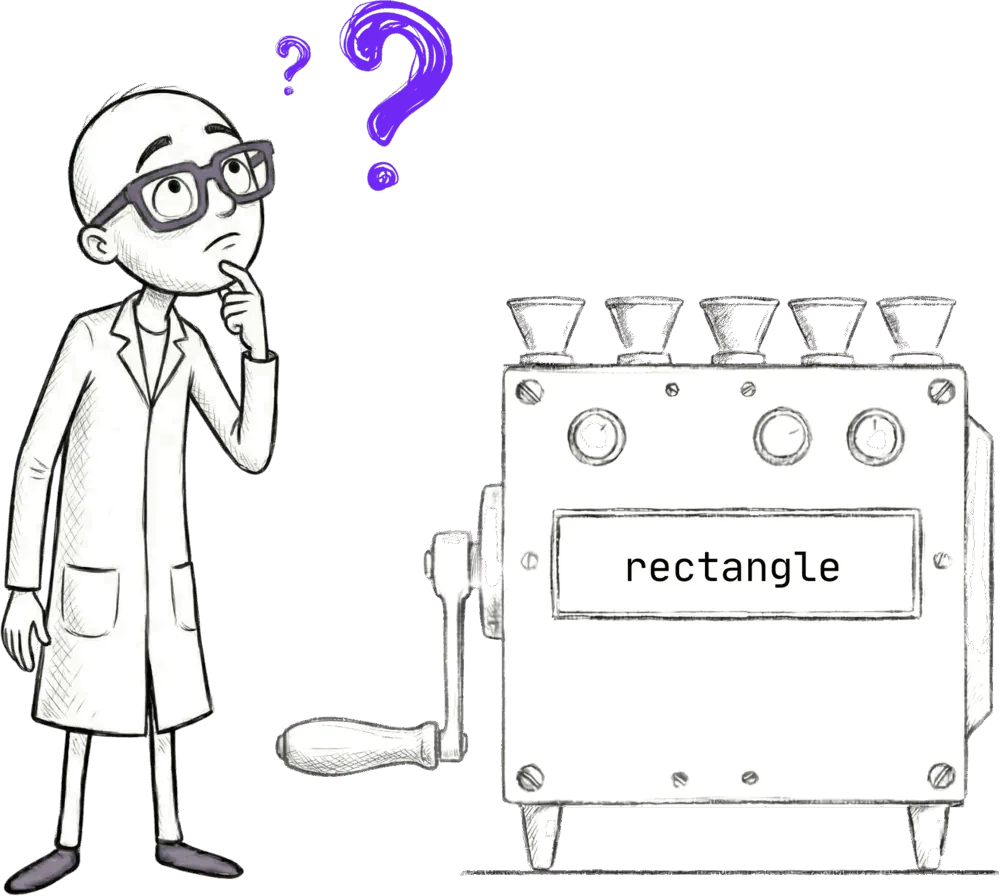
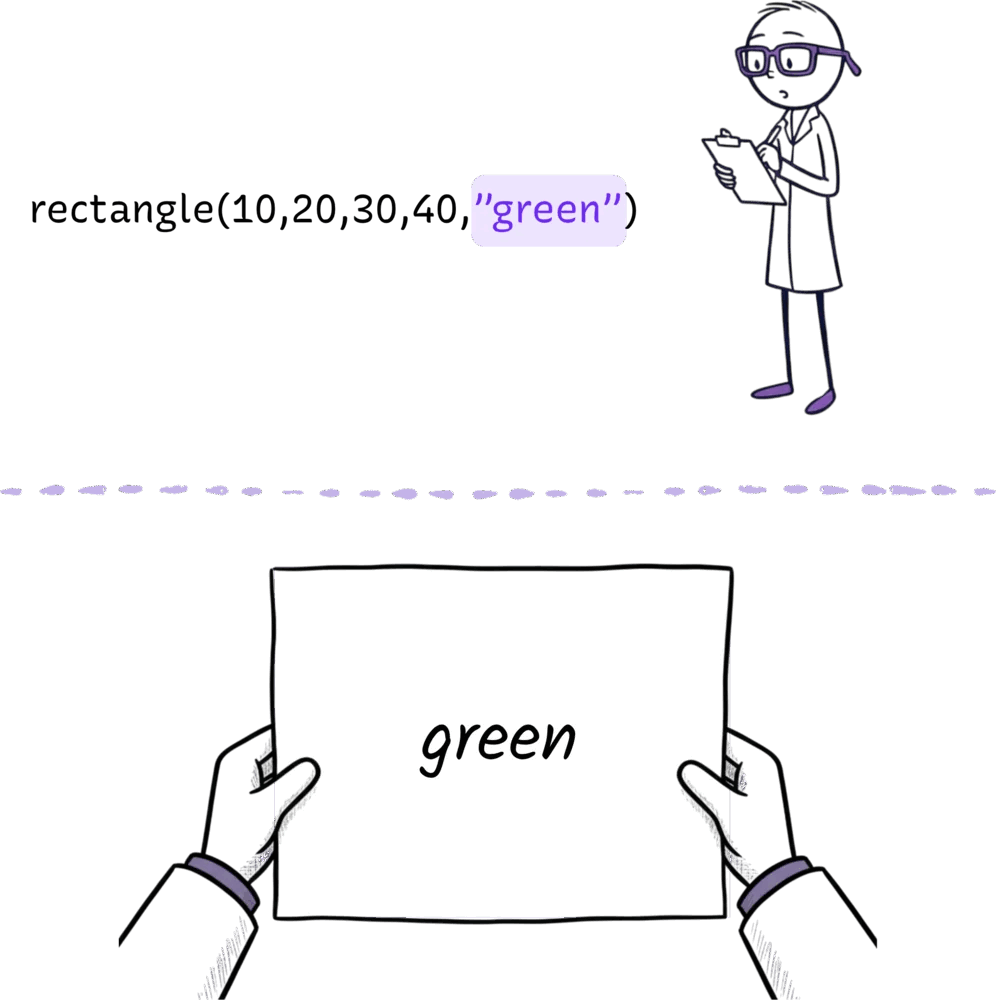
So we have a rule, which is that whenever we need to use text, we need to put it in quotation marks, in double quotation marks. And when you put something in quotation marks like this, Jiki gets a piece of paper out and writes whatever you put in those quotation marks on that piece of paper, and we call these pieces of paper strings.
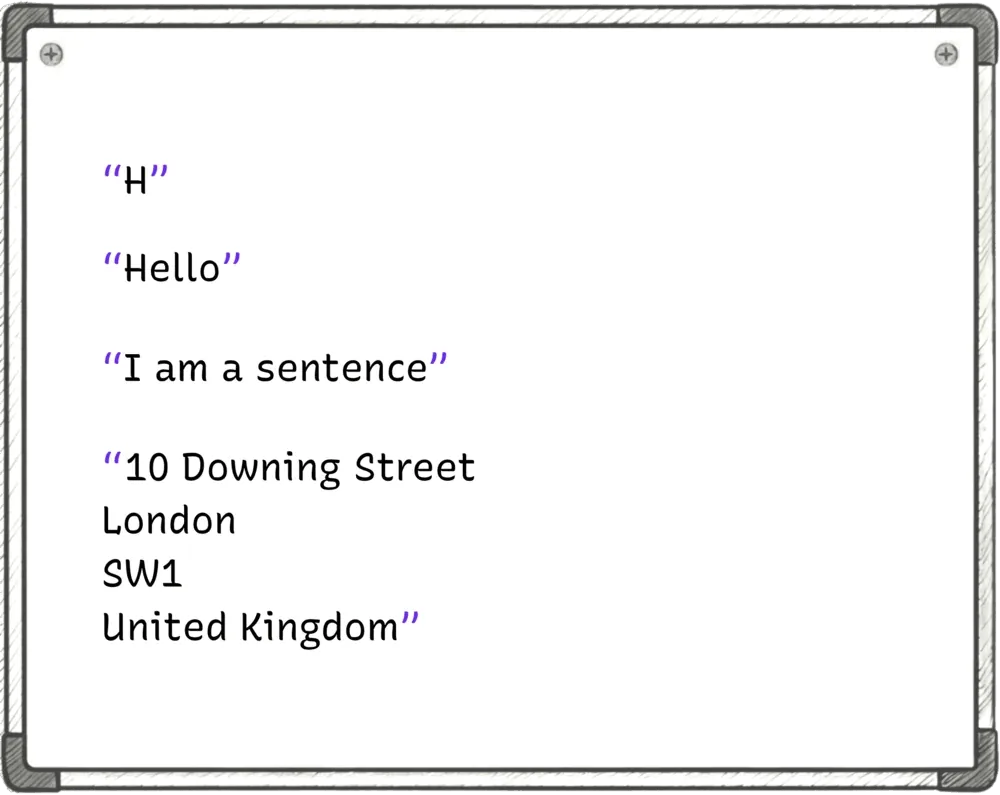
Strings can be single letters, words, sentences, paragraphs, even books. The rule is if it's text, we put it in quotes, and it becomes a string.
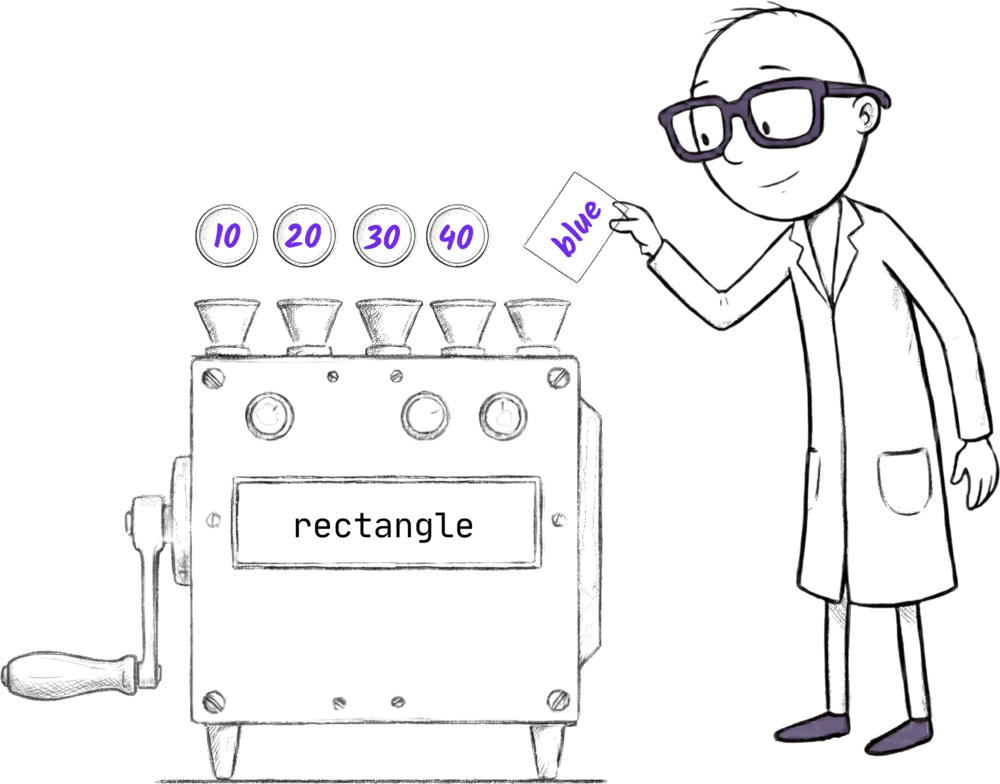
So if we want to have a blue rectangle, we write the number for its left position, its top position, its width, and its height. But for the fifth input, we're going to write "blue" in quotes.
rectangle(10, 20, 30, 40, "blue")Jiki would get the machine off the shelf, put some coins in the first four slots. Then he'll write blue on a piece of paper, and he'll put that paper in the fifth slot and then run the machine.
Strings is one of those technical words that people find a bit intimidating at first, but really it just means text. You'll get used to it very quickly. There's nothing magical about it.
Ready to Start Your Coding Journey?
Join thousands of learners on Jiki. Practice coding exercises, get feedback from mentors, and level up your skills — it's free!
Sign Up For Free