
Iterating Through Strings
Using a for-of loop to step through every letter in a string, doing something with each one in turn.
You can access a single letter of a string using square brackets. Now we're going to look at how to loop through a string, getting out each letter one at a time.
And to do that, we need a new type of loop. So far, we've used the repeat loop, and now we're going to use something called a for-of loop. That's two new keywords, for and of.
The for keyword is one that we'll see in quite a few places as we move forward. It can be by itself, or it can be paired with in or of. For now, we're going to focus on that last one, of.
So let's take a look at some code.
We'll start off by creating a variable called name containing the string "Jeremy". Nothing new here.
Then we have this line, for (let letter of name) {, and there's a lot going on there, so let's talk through it slowly.
let name = "Jeremy"
for (let letter of name) {
  // ...
}
Firstly, we have the for keyword. That tells Jiki that we want to do some looping. So he looks ahead and sees of and knows that we want to do some for-of looping.
And that means that rather than using a repeat loop where we say, "Let's loop through 10 times," we're saying, "Let's loop through all of the letters in the string." That's what for-of means.
Then we have this let letter bit. This is exactly the same as what we have above it with let name. We're just creating a variable called letter.
The difference is that rather than being explicit about what goes in it, we're telling Jiki to put each letter in the string into it one at a time.
So Jiki sees for, checks for of, then gets going. He looks at the first letter in the string, "J" in this case, and puts it in a new box called letter. We could call that anything, by the way. It doesn't have to be letter. We've just decided to call it letter here.
Then he runs the code inside the curly braces, and you can do anything here you'd do anywhere else in code. The only difference is that this block of code is gonna run once for each letter in the string, and it will have this variable available.
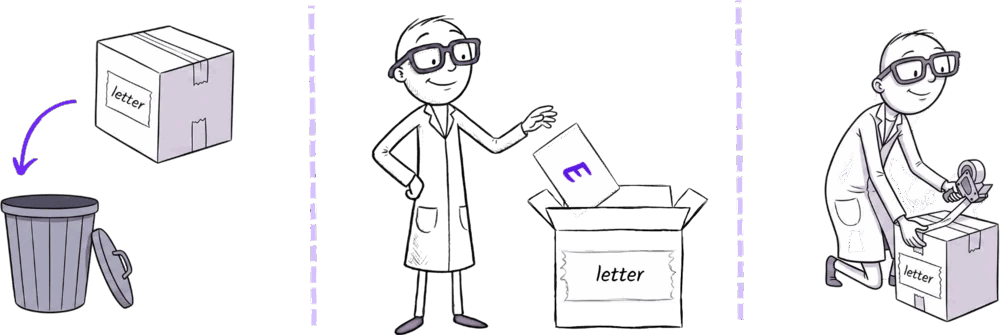
Every time Jiki gets to the closing curly bracket, Jiki throws away the letter box and creates a new one with the next letter in it. So the first time, he'll throw away the "J" and put an "e" in the box instead. Then he'll do the same for "r", then "e", then "m", then "y". Six letters, six times around the loop. It takes a little bit of time to get used to the syntax, but it's not really that hard of a concept.
Ready to Start Your Coding Journey?
Join thousands of learners on Jiki. Practice coding exercises, get feedback from mentors, and level up your skills — it's free!
Sign Up For Free